
TMS
e-Lips TMS
Transport Management System for the smart and efficient management of logistics processes.
Read more

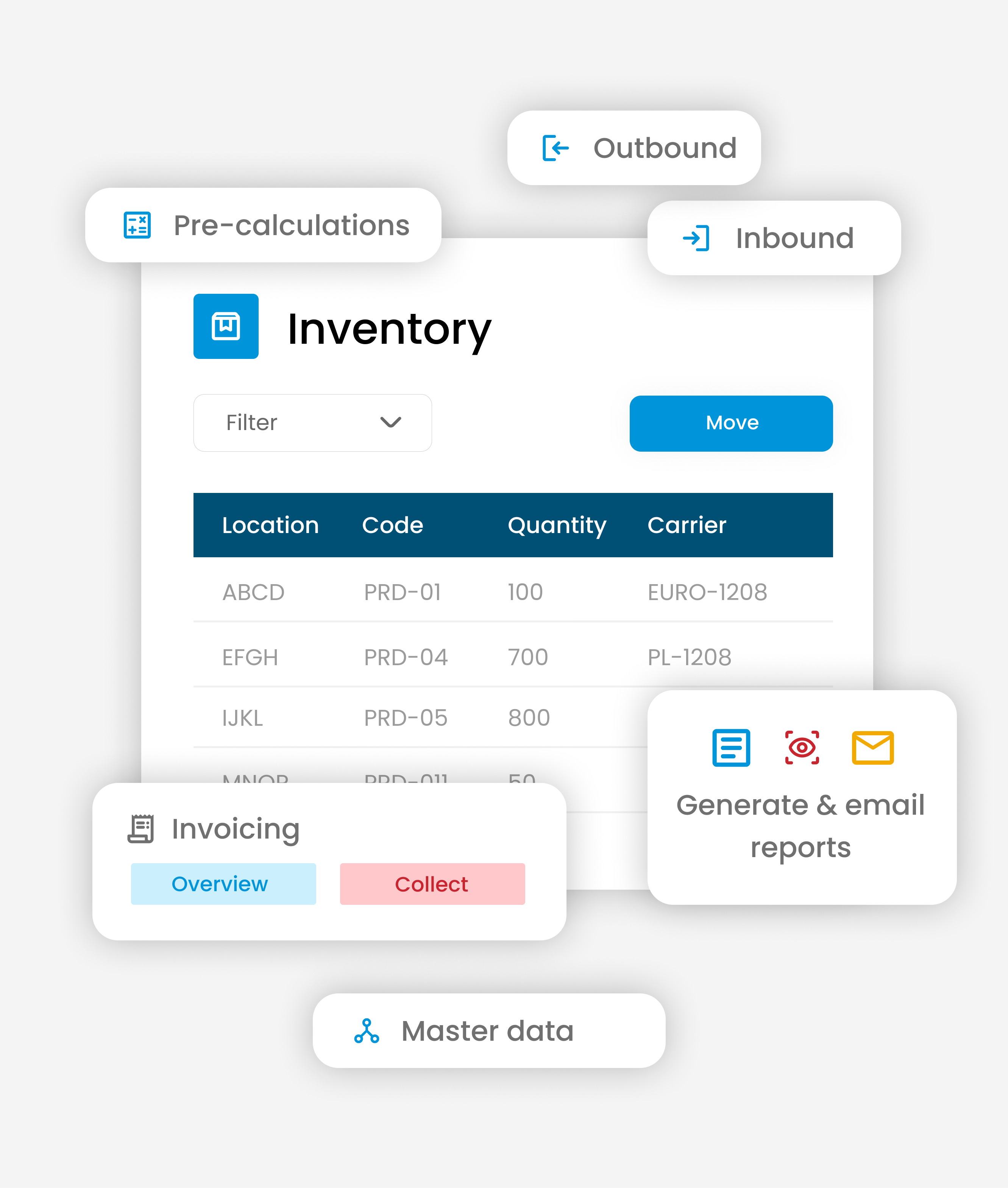
Erniesoft's e-WMS is a user-friendly Warehouse Management System that provides complete control over inventory, inbounds, outbounds, and invoicing. The system is fully integrated with e-Lips TMS and supports efficient warehouse processes from registration to reporting.
Thanks to flexible configuration, real-time insight, and smart automation, you work faster, error-free, and with a clear overview from one central environment.
100% Insight
Real-time insight into inventory and movementsOne System
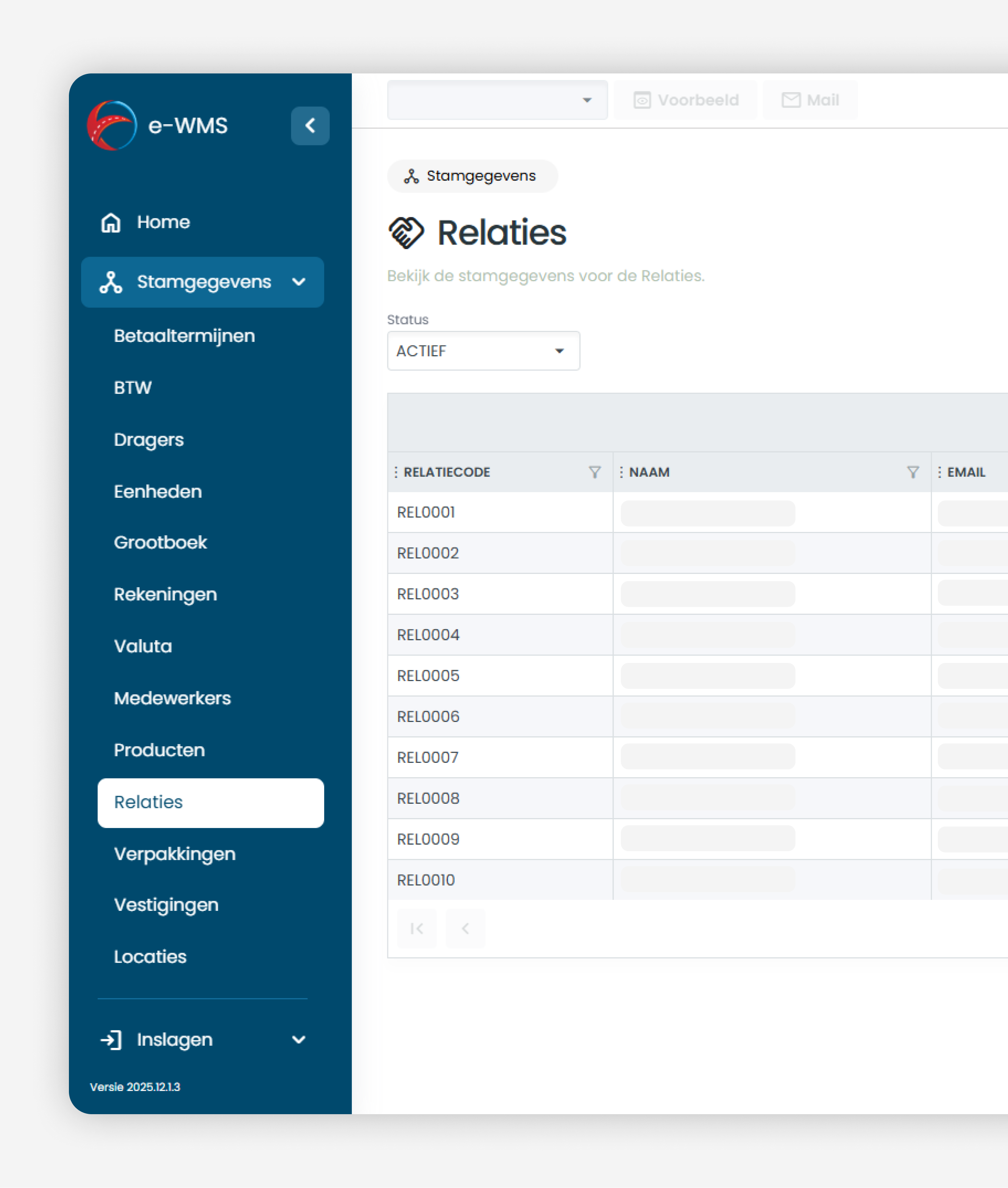
Inbounds, outbounds, inventory, and invoicing centrally managedWith the WMS, you can easily manage all the master data required for an efficient warehouse process. Via the Master Data menu, you gain immediate insight into all available data within the warehouse management system.
You can quickly create, edit, activate, or deactivate master data. Thanks to smart search, filter, and sort options, you can always quickly find the right information. Columns are flexibly customizable, ensuring the overview fully aligns with your workflow.
By double-clicking on a record, you open the detail page, where you can modify data directly. This way, you keep your WMS always up-to-date and organized.
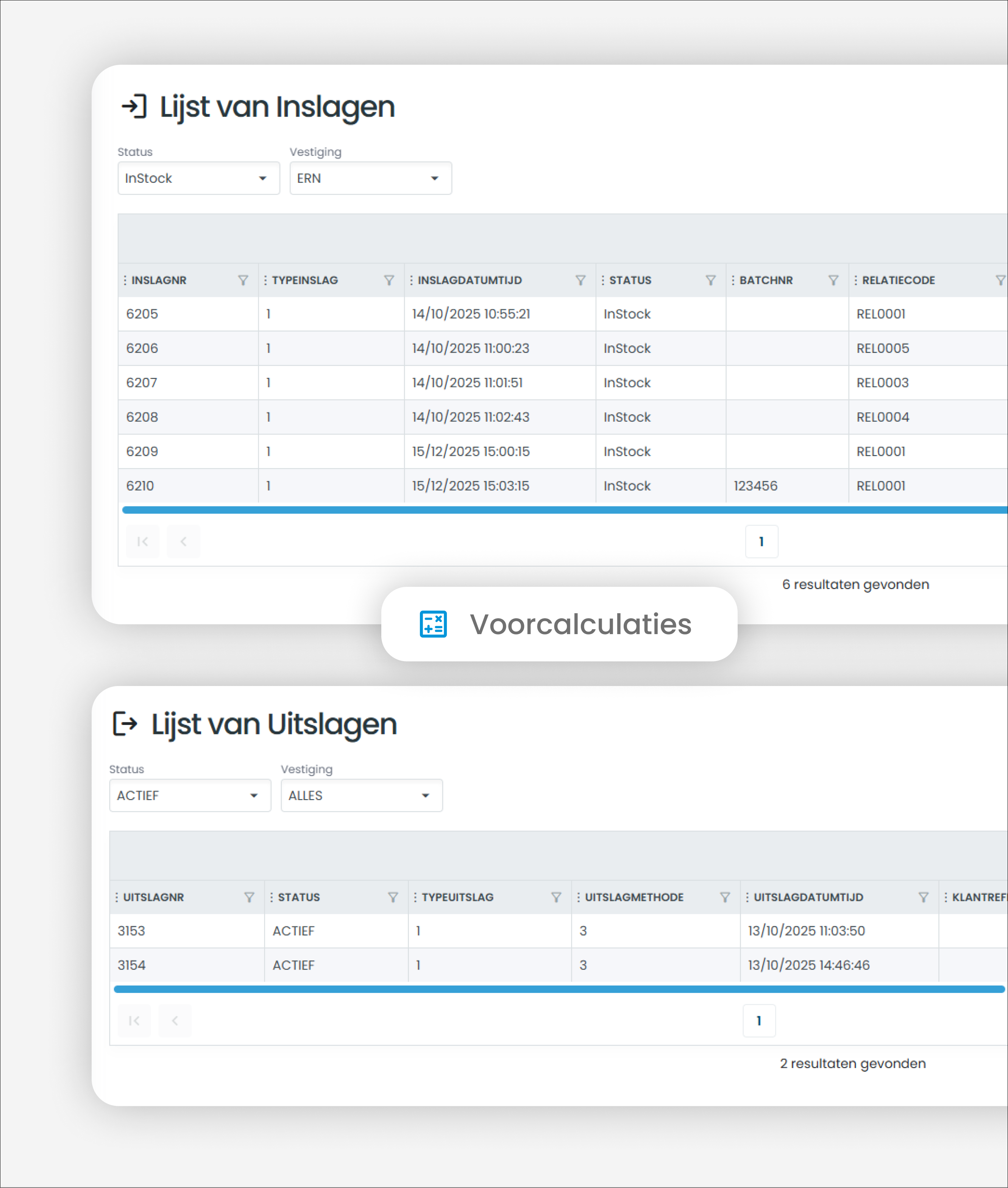
With the WMS, you manage inbound and outbound goods quickly and clearly. Via the Inbound/Outbound menu, you have immediate insight into all incoming and outgoing goods movements within the warehouse management system.
Upon receipt, data such as the customer, product packaging, carrier, and warehouse location are automatically populated from the master data. You can record a batch number per product. The WMS supports non-standard carriers and pallet registration for extra flexibility.
For outbound, you choose between FIFO, LIFO, or manual selection in the WMS. With manual selection, you simply select available batch numbers. The system automatically checks the stock and prevents incorrect outbound shipments.
You can see all inbound and outbound shipments in a single overview. Use filters to quickly find the correct registration, and via the detail page, you can modify data and add cost estimates.
This way, you maintain maximum control over your inventory with an efficient WMS.
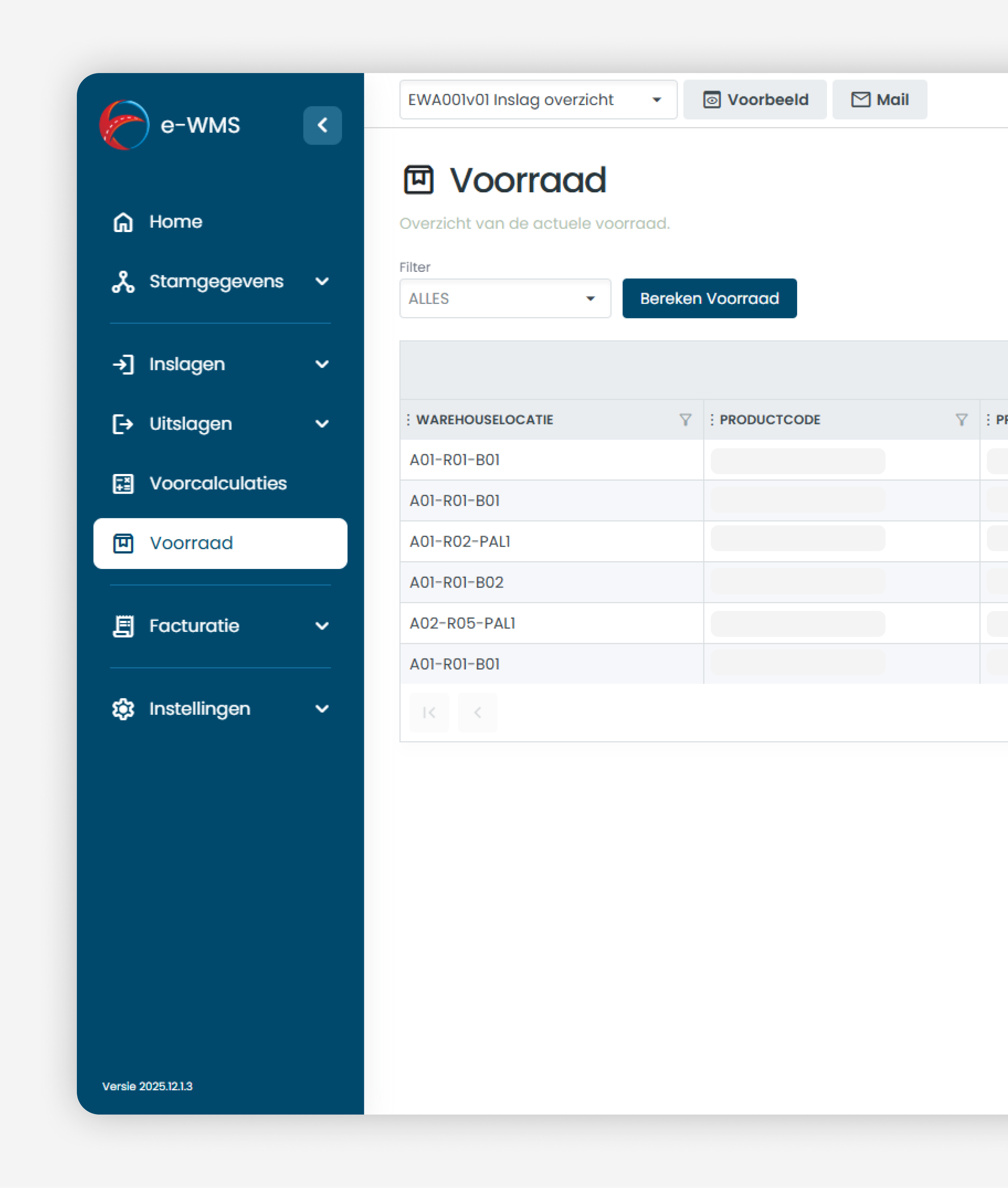
With the WMS, you have real-time insight into your inventory. The inventory is displayed in a clear list, where products with the same carrier, packaging, and warehouse location are grouped into a single line. If any of these characteristics differ, the system automatically creates a new inventory line.
Within the WMS, you can easily recalculate the inventory. You can choose to recalculate the entire inventory or just a specific product. This ensures the inventory always remains up-to-date and reliable.
Moving inventory is quick and easy. Select an inventory line, choose an existing warehouse location, enter the quantity, and move the inventory immediately. All locations are managed via master data, ensuring you always work with consistent data.
With this inventory management, the WMS offers maximum control and overview within the warehouse.
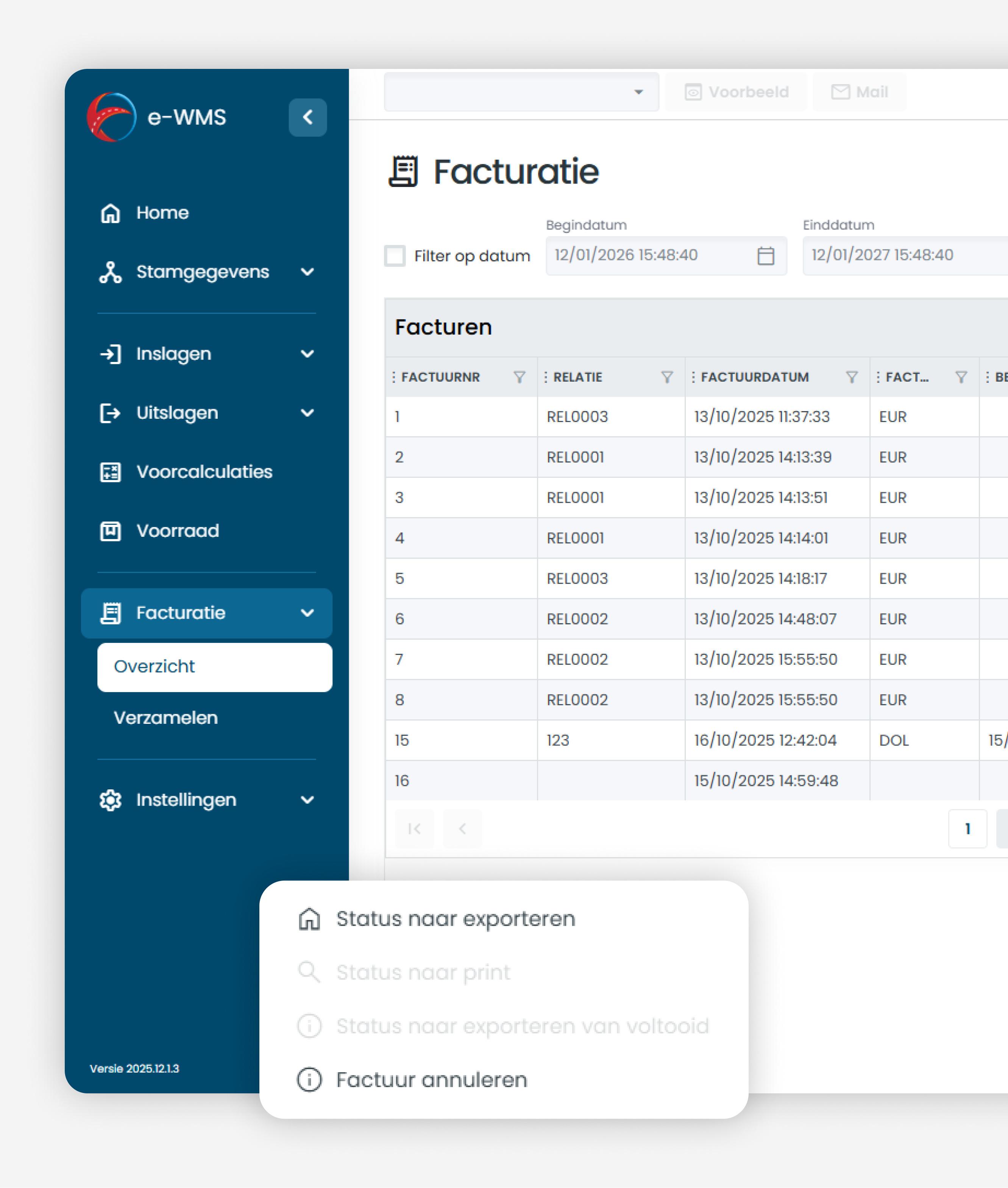
With the WMS, you automate the invoicing process based on inbound and outbound goods. Added cost estimates are easily collected and converted into invoices, ensuring fast and clear processing.
Via the Invoicing menu, you collect invoices per debtor. You select one or more debtors and generate the invoices with a single click. The WMS displays the result immediately, so you maintain full control over the invoicing.
You can find all created invoices in the invoice overview. You can quickly search for invoices, change statuses, and add invoice lines via the detail page. This allows you to work efficiently and maintain control over your financial process within the WMS.
With the WMS, you can easily adapt tables to your own workflow. Columns can be hidden, moved, or adjusted in width. By saving the layout, it is automatically loaded upon your next login.
The WMS supports generating and emailing reports. You select a report, view a preview, and send it directly via email. The report layouts are provided by Erniesoft. You can easily contact us for additional reports.
In this way, the WMS combines layout flexibility with clear and professional reports.
TMS

On-board computer

CAO
Book a free demo and find out more about our solutions, our range of services and the use cases. We’re happy to help with any questions you may have.